
Product
From the shop's order to the courier's van, every step checked.
One system for the floor and the office: orders, picking, packing, shipping, receiving, stock and purchasing. Manufacturing too, if you make your own products.
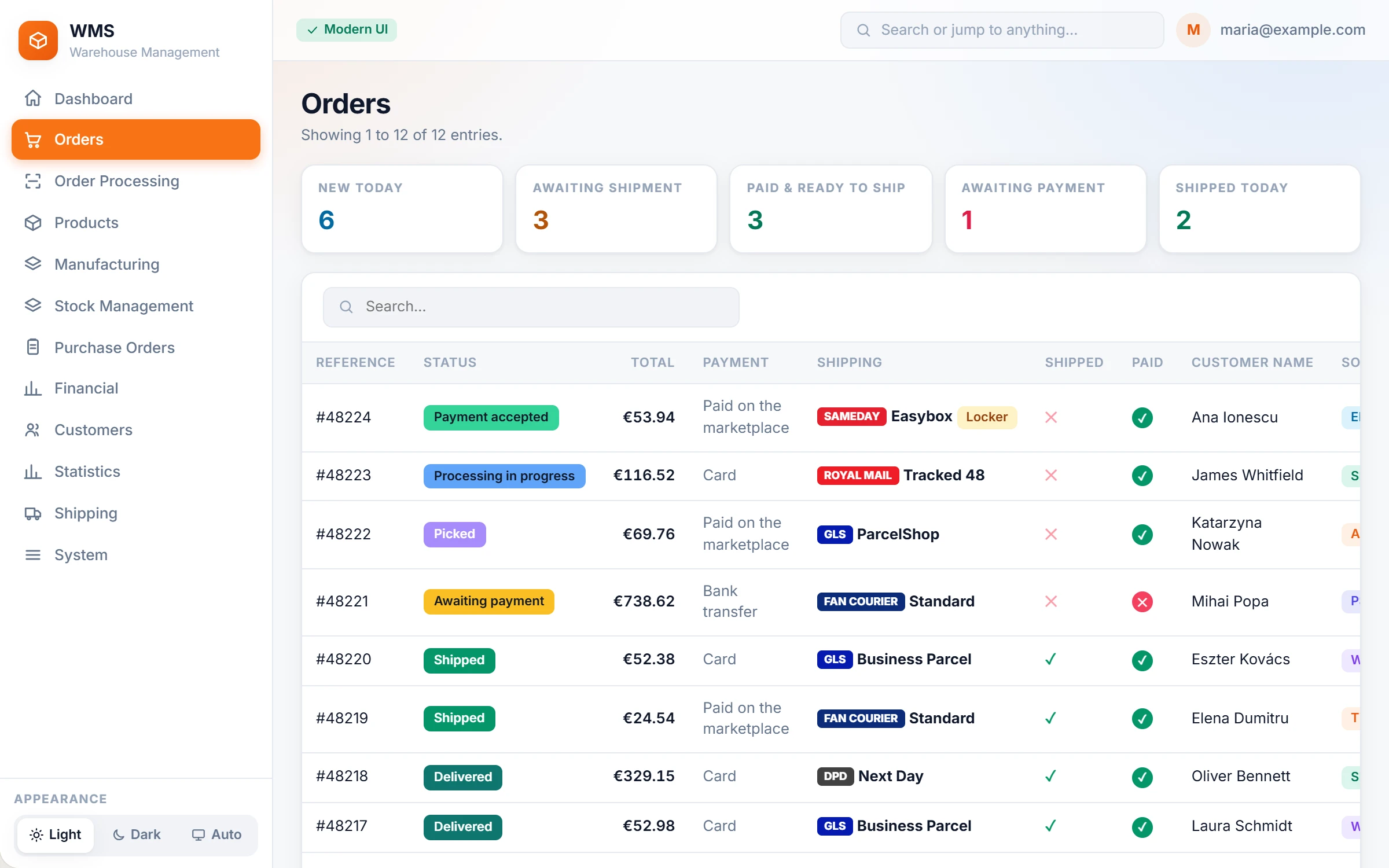
01 · Orders & stock sync
Every order in one list. Stock right on every channel.
- Orders arrive from your shops and marketplaces on their own.
- Stock is reserved when an order arrives and sent back to every channel.
- Each channel's statuses map to what the warehouse does next.
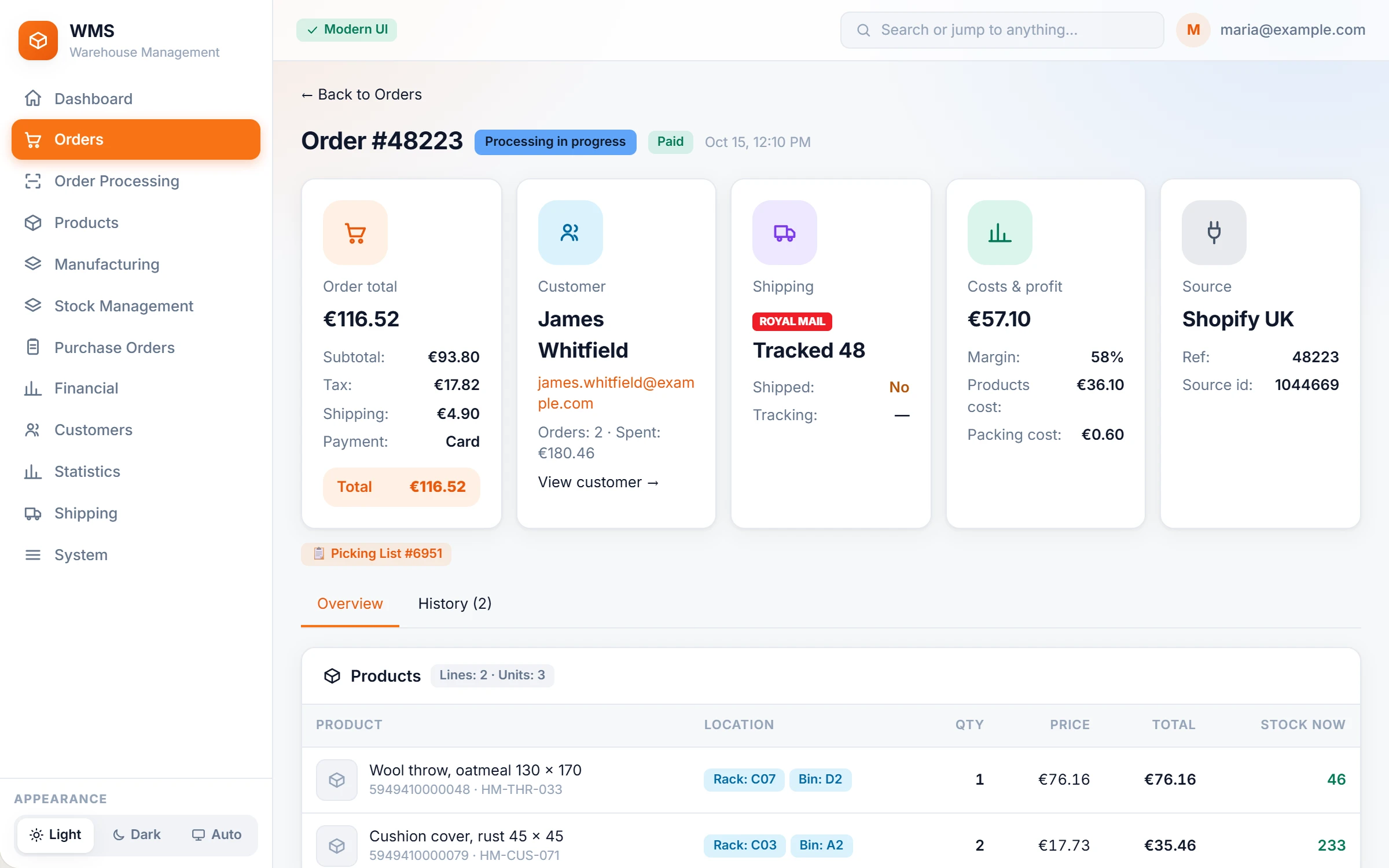
02 · Picking
One walk picks many orders.
- One route, sorted by rack and bin, across every order on the list.
- Scan the bin, count the product, scan the trolley.
- Skip an item and come back to it at the end.
03 · Packing & shipping
Scan to pack. The label is ready.
- Scan each product into the parcel; one scan of a box barcode counts the whole box.
- Pack into numbered boxes, with a weight and a packing slip for each.
- Labels for 13 couriers, printed, voided and tracked with the same buttons.
Order #1042 · 2 boxes
Box 1 · 3 items1.8 kg
Box 2 · 2 items1.6 kg
DPD label and slips printed
PO-221064% in
Put away: scan product, then bin
04 · Receiving & put-away
Deliveries counted by scan, put away to a bin.
- Receive against the purchase order, partial deliveries included.
- Print an EAN label for anything that arrives without one.
- A wrong bin is refused on the spot.
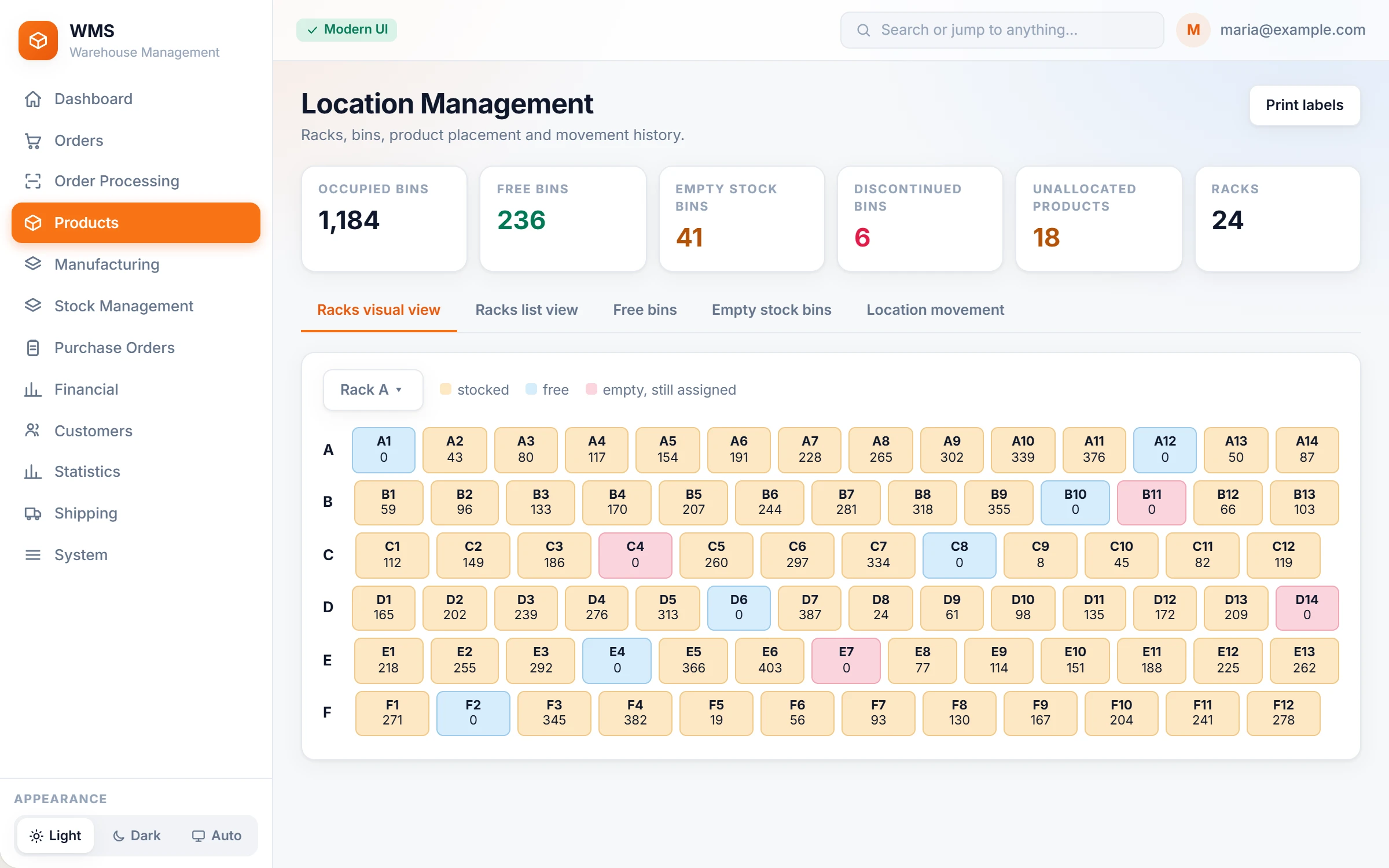
05 · Stocktake & locations
See every bin. Count by rack or by brand.
- Free, full and empty bins at a glance; labels as QR codes or barcodes.
- Counts are finished on the floor and approved in the office.
- An audit explains every difference between two counts.
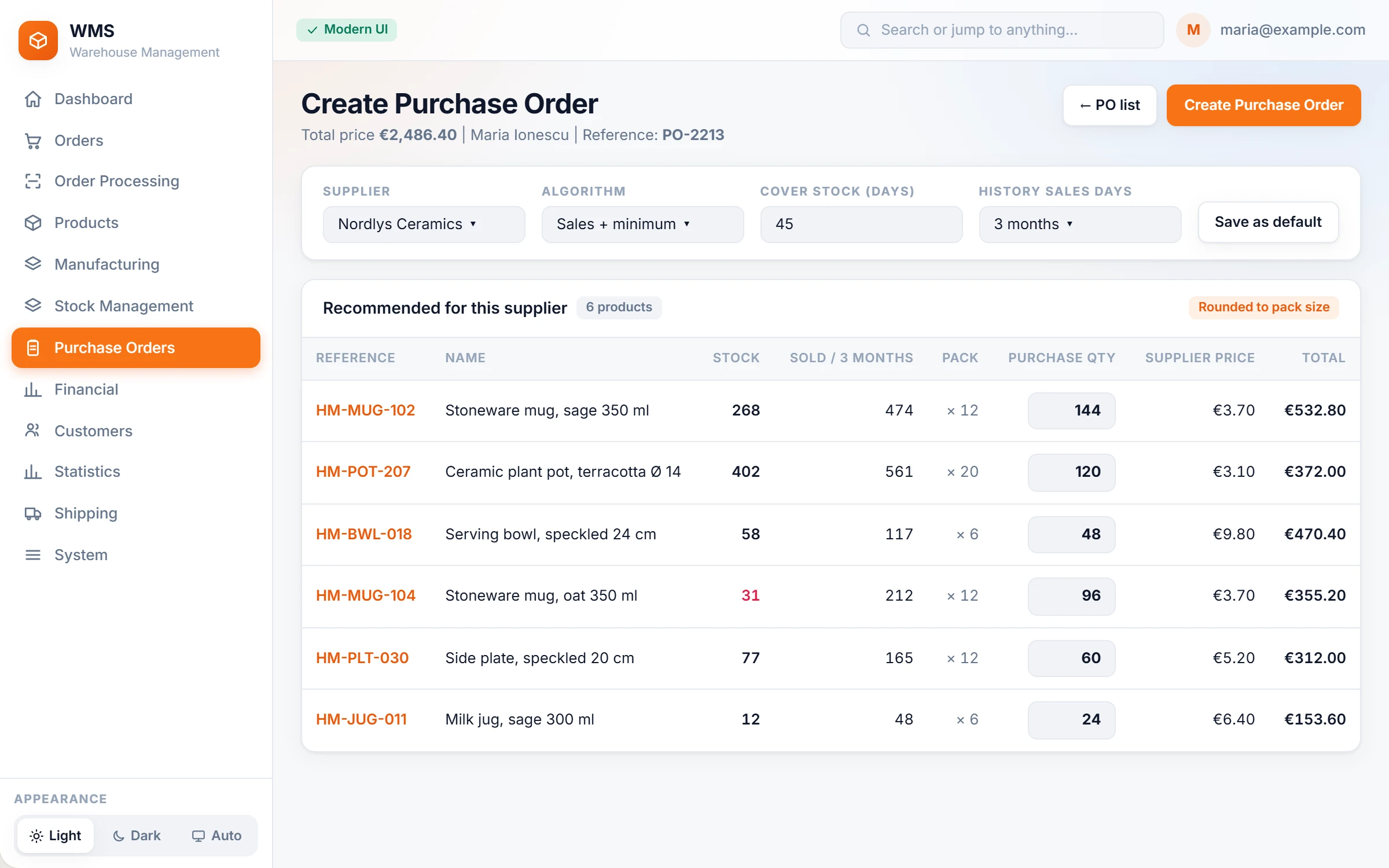
06 · Purchasing & reorder
Know what to reorder before it runs out.
- Pick a supplier and Pulsa proposes what to buy, from sales history, minimum stock and the trend.
- Quantities rounded to the supplier's pack size and minimum order.
- Purchase cost kept first in, first out, so profit is real.
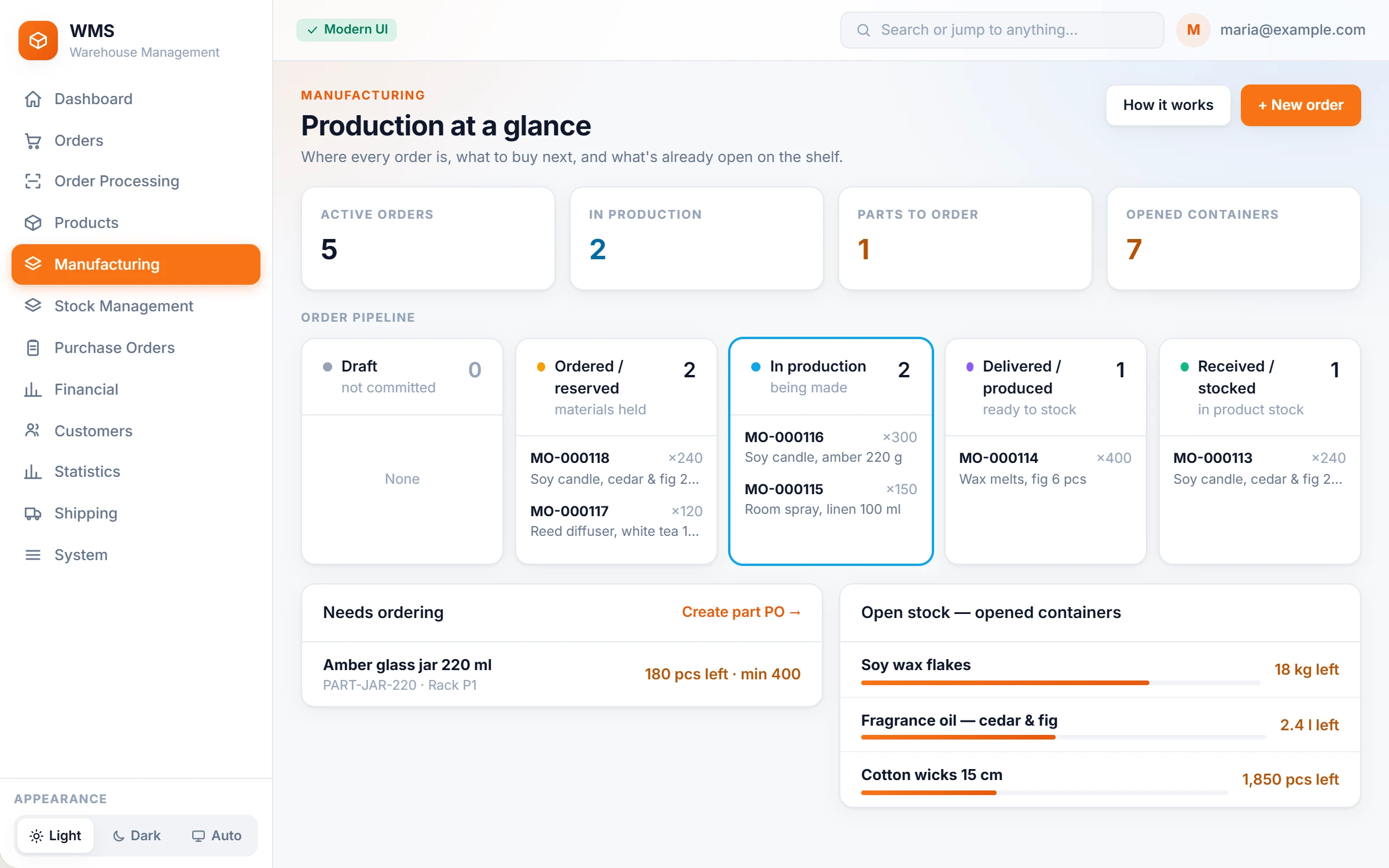
07 · Manufacturing
Make your own products? Plan them here too.
- Recipes with waste, variants and packaging.
- Batches with expiry dates, ready for a recall.
- Parts ordered in the supplier's own units and pack sizes.
08 · Reports & team
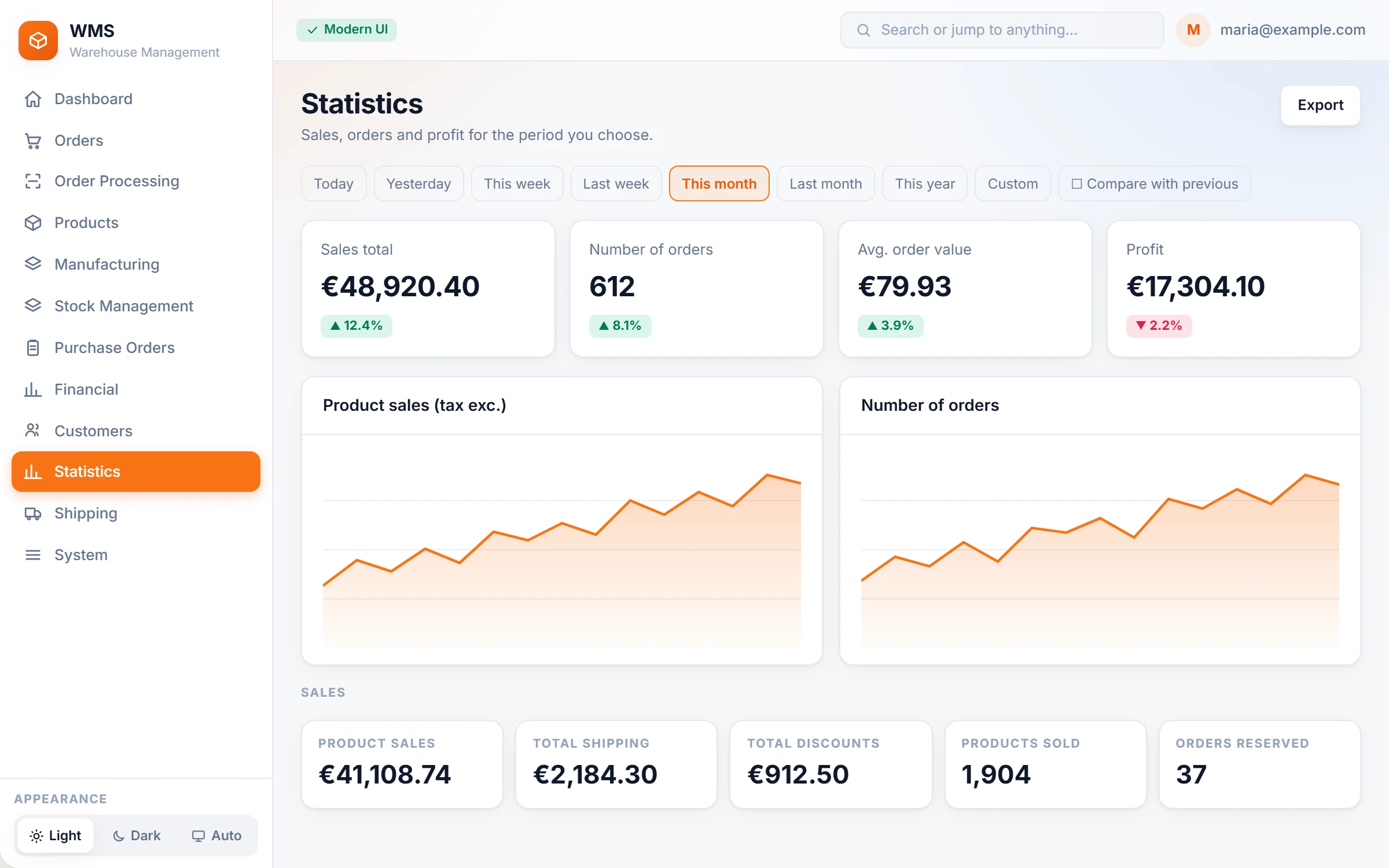
See the day hour by hour.
- Picking and packing curves, and who did what on each shift.
- A live floor board of who is working right now.
- Profit per product and per order; Romanian stock reports built in.
09 · AI assistant
Ask your warehouse a question.
- Answers on stock, sales and profit, from your own data.
- Drafts purchase orders for you to approve.
- Never changes stock or statuses on its own.
Assistantreads your Pulsa data
Which products run out this month?
Three products will run out before the 31st at the current sales pace:
Clear case, iPhone 15 Pro6 days
MagSafe wallet, black11 days
AirPods Pro case, sand17 days
I drafted a purchase order for all three. Nothing is sent until you approve it.
Approve draftOpen the draft
Underneath
Your own install
Your own system and database, hosted and updated by us.
Roles for every job
Picker, warehouse manager and admin, each seeing only their screens.
Two-step sign-in
An authenticator app code for every office account.
Several companies, one warehouse
Separate stock and invoices per company, with rules for who invoices what.
English, Romanian, German
Each person works in their own language.
Readable in bright light
Light, dark and high-contrast themes.
Help that matches your setup
Help and a guided tour written for your own install.
A record of every change
Who did what, and when, in one timeline.