
One walk picks many orders.
A picking list gathers orders so one person can walk the warehouse once and pick the products for all of them. Every item is checked by a scan on the way.
From a list of orders to a full trolley.
- 1
Build the list
Automatically by status or courier, or choose the orders by hand. Pick who walks it.
- 2
Walk one route
Items are sorted by rack and bin across all the orders, so nobody walks an aisle twice.
- 3
Scan, count, drop
Scan the bin, count the product, scan the trolley bin that belongs to its order.
- 4
Hand over to packing
Finishing can create the shipping labels. The list closes itself once its orders are packed.
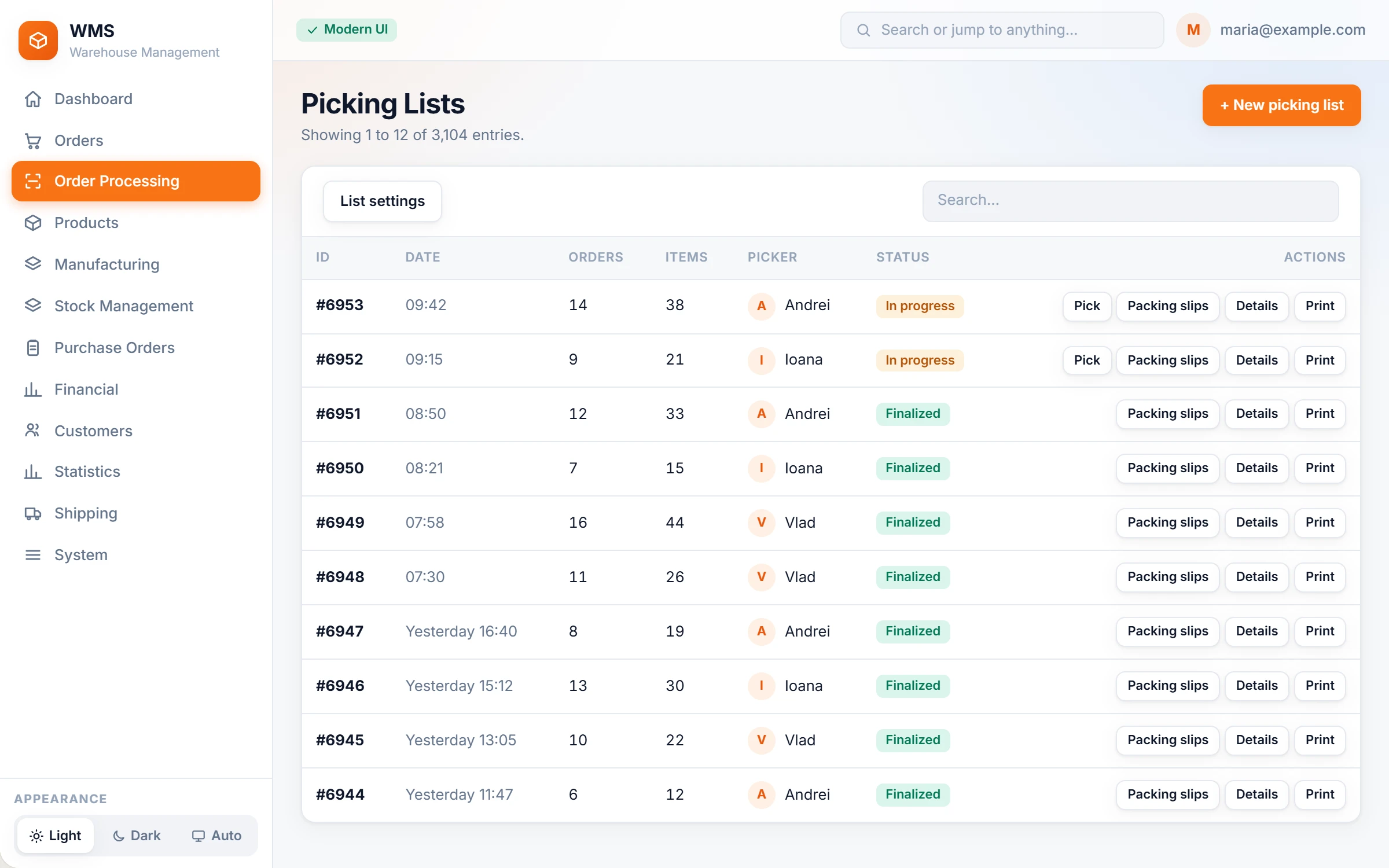
Each row is one job for the floor.
The office builds the lists and sees each one move: who is picking it, what is left, and the packing slips ready to print.
Made for real warehouse floors.
Skip and come back
Move an item to the end of the list. The skip survives a reload or a change of device.
Pre-pick pairing
Scan the packing slip, the shipping label and the trolley bin. A wrong pair beeps and vibrates.
Age-restricted orders flagged
The picker sees which orders need an age check before they leave.
Rules per sales channel
Each channel can move its orders to its own status when picking starts.
Zebra handhelds and phones
The scanner types straight into the screen. Nothing to install on the device.
The picking day, hour by hour
Who picked what, and when, for today, yesterday or the week.
Labels for your couriers
When the list is finished, the shipping labels can be created for every order on it.





Questions about picking
Do we need new scanners?
Probably not. The floor screens run in the browser, so any handheld that types its scans in as keyboard input works. Zebra TC20 and MC3300 handhelds are in daily use today, and phones work with a Bluetooth scanner.
How many orders go on one list?
Automatic lists take orders up to a number you set. You can also choose them by hand.
What if a product isn't on the shelf?
The picker skips it and comes back at the end of the list. A second bin is shown if the product has one.